Every account has an end date
Set when you create the account or inherit it from the package. When the date passes the account stops connecting — no manual step, no reminder needed.
One dashboard for every account, package, expiry date, server and reseller in your VPN business. Create a customer in seconds, see what is expiring this week, and change what your apps offer without opening a server console.
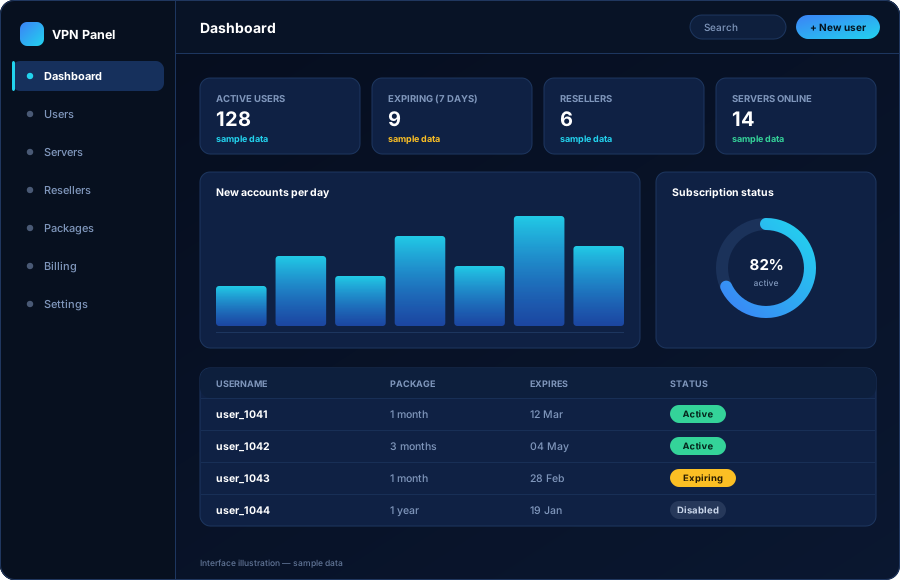
A VPN service looks simple from the outside: a customer downloads an app, signs in and connects. Behind that simplicity somebody has to decide who is allowed to connect, for how long, from how many devices and to which locations. The admin panel is where those decisions are made and enforced.
Without a panel, every one of those decisions becomes manual work on a server. You add a customer by editing a configuration file. You cancel a customer by remembering to remove them. You add a new location by updating every app. That approach survives ten customers and collapses at a hundred.
With a panel, all of it becomes a form and a list. You create a customer with a username, a package and an end date. The panel handles the rest: the apps read from it, the servers accept the accounts it authorises, and the expiry date is enforced whether or not anyone is watching.
Plain-language version: the panel is the difference between running a VPN business and doing VPN admin work. You spend your time on customers and pricing, not on server configuration.
The dashboard answers the questions a VPN business owner actually asks: how many accounts are live, which ones run out in the next few days, how many customers the resellers brought in, and whether every server is where it should be.
Nothing on the dashboard needs interpretation. If nine accounts expire this week, the dashboard says nine and gives you the list.
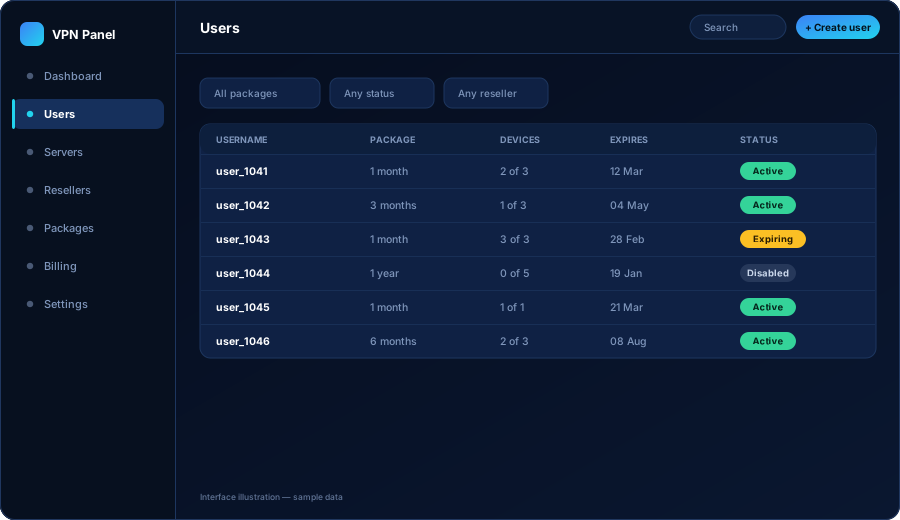
A user account is the core object in the whole system. Everything else — the package, the expiry date, the device limit, the servers — hangs off it. Creating one takes a few seconds and does not require any technical knowledge.
Choose a username, pick a package and confirm. The panel generates the credentials your customer will use in the app and records who created the account — you, a staff member, a reseller or your billing system.
Search by username, then filter by package, status, reseller or expiry window. When a customer writes in saying “it stopped working”, you can see in one screen whether they expired, hit their device limit or were suspended.
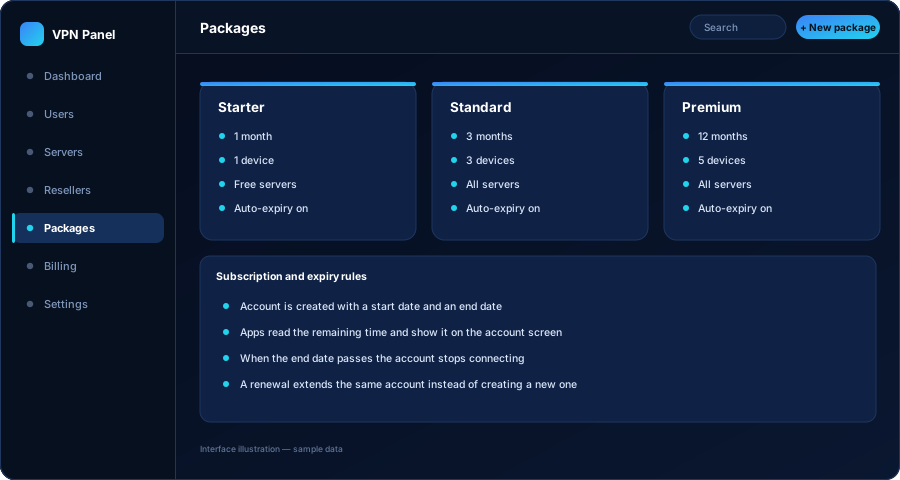
A VPN subscription is access for a period. If that period is not enforced automatically, your revenue leaks quietly and you will not notice for months.
Set when you create the account or inherit it from the package. When the date passes the account stops connecting — no manual step, no reminder needed.
A renewal pushes the existing account's end date forward. The customer keeps the same username in the app, which avoids the most common support ticket in this business.
The panel groups accounts by how soon they run out, so you or your resellers can follow up before the customer notices anything.
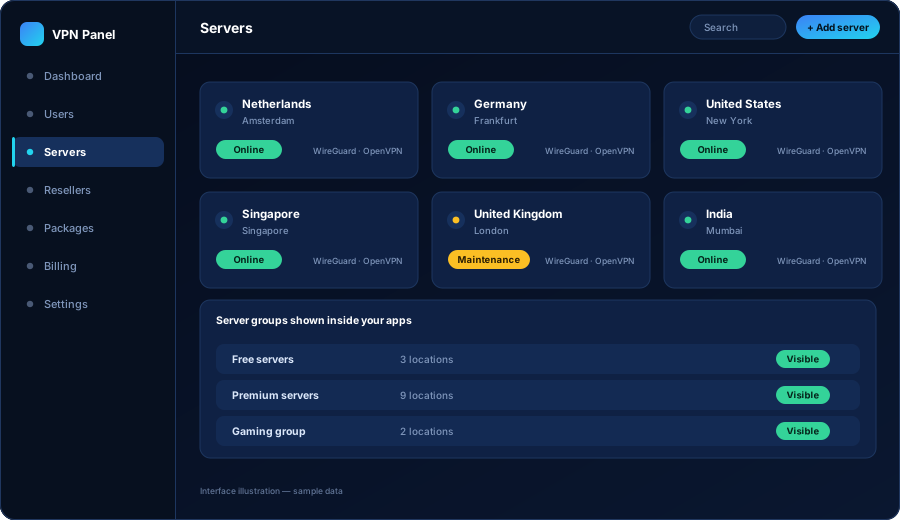
Servers are added once, with their country, city and connection details, and then managed as business objects rather than machines. You decide which packages can reach which locations and which locations appear in the apps at all.
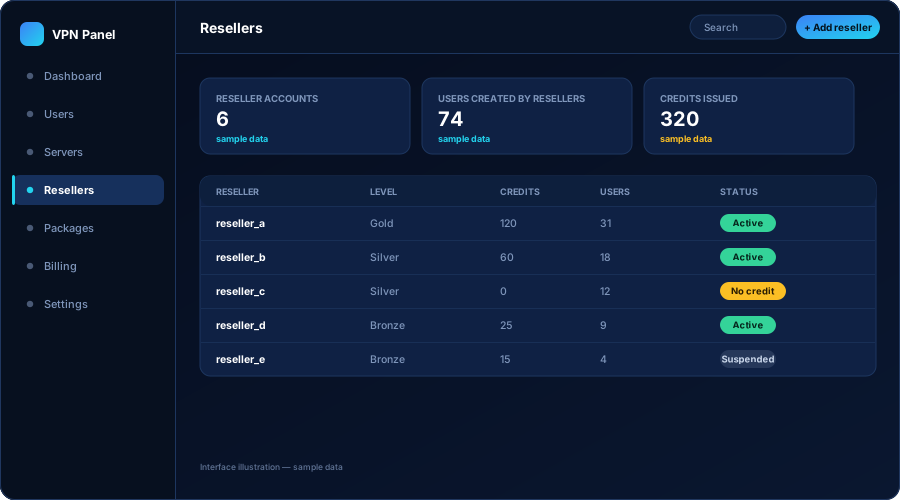
Resellers get their own login to the same platform, restricted to their own customers. They buy credit from you up front and spend it when they create or renew an account, which means you are paid before the account exists.
A package is where your commercial decisions become technical settings. Change the package and every account on it follows.
| Setting | What it controls | Why it matters commercially |
|---|---|---|
| Duration | How long an account stays active after creation or renewal | Lets you sell monthly, quarterly and yearly plans from the same system |
| Device limit | How many devices may use the account at the same time | Stops one paid account being shared across a whole street |
| Server access | Which server groups the account can see and connect to | Creates a real difference between a cheap plan and a premium plan |
| Reseller availability | Whether resellers may sell this package, and at what cost in credits | Protects your margin and stops partners undercutting your own pricing |
| Visibility | Whether the package is offered publicly or kept for specific customers | Useful for trials, corporate deals and legacy pricing |
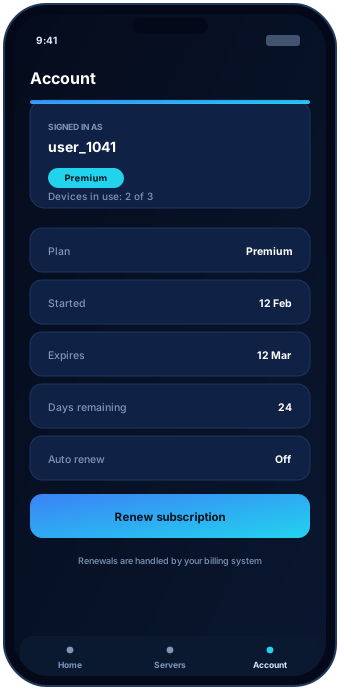
Your branded applications do not carry their own copy of your customer list or your server list. They ask the panel. That is what makes the whole thing manageable: there is exactly one place where the truth lives.
Add a server in the panel and it appears in the apps. Suspend an account and the app stops connecting. Move a customer to a bigger package and their app shows the extra locations. You never publish an app update to make a business change.
Where your build includes API access, other systems can do the same things you do in the panel — without anyone logging in.
A confirmed payment can create the account and a renewal can extend it, so nobody creates accounts by hand after a sale.
A sign-up form, a trial button or a customer area on your site can talk to the panel instead of sending you an email.
Support tools, dashboards or scripts your team already uses can read account status and act on it.
API capabilities depend on the panel build you choose. We will confirm in writing what is included in your scope before the project starts rather than after it.
It is the private dashboard behind a VPN service. Your customers never see it. You use it to create and renew accounts, add servers, set packages, manage resellers and see what is expiring. Without one you would be editing configuration files on servers every time somebody buys or cancels.
Yes. Staff logins and reseller logins are separate from each other, and each type sees only what it is allowed to see. A reseller cannot browse your other resellers, and a support user does not need the permissions you keep for yourself.
The panel is the source of truth for accounts. Your apps sign in against it, so an account created in the panel works in the apps immediately and an account you suspend stops working. You do not configure anything twice.
Yes, that is the normal setup. When a payment is confirmed in your billing system the account can be created in the panel automatically, and a renewal extends the existing account. See the WHMCS integration page for the full flow.
On hosting that you control, under your own domain. You keep the accounts and the data; we build and configure the platform that runs on it.
The demo walks through the dashboard, user management, servers and resellers. If it fits the way you want to run your business, tell us what you need and we will quote it.